Image Alt Text Checklist for Bloggers: AI Workflow for Better SEO and Accessibility (2026 Guide)
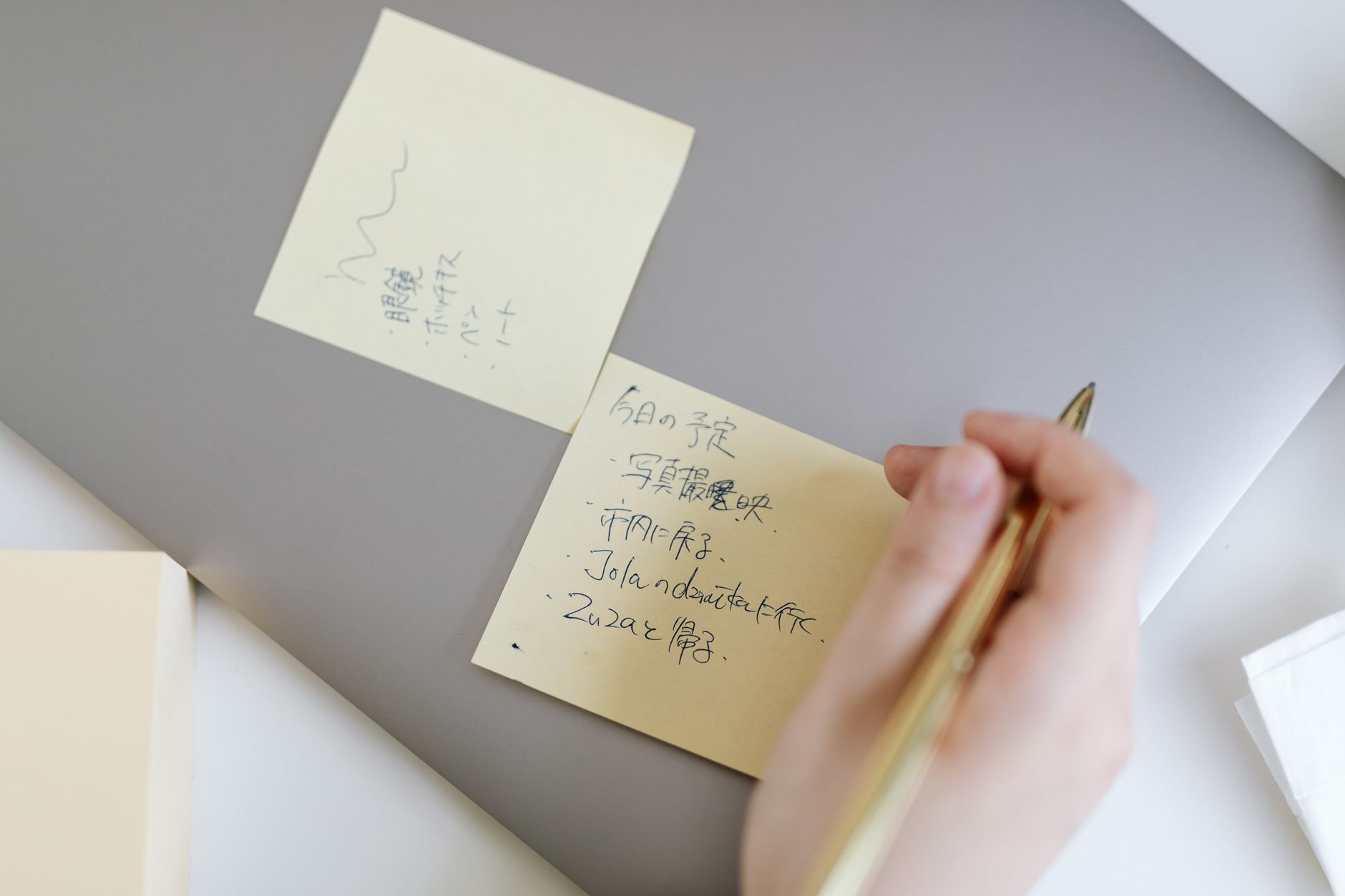
Cover photo: Pexels by www.kaboompics.com.
Image Alt Text Checklist for Bloggers: AI Workflow for Better SEO and Accessibility (2026 Guide)
If your posts include great visuals but still underperform in search, your image alt text may be quietly costing you traffic.
Most small teams and solo creators either skip alt text or write generic labels like "image" or "screenshot." That misses both accessibility value and image-search relevance.
This guide gives you a practical AI workflow and checklist to write useful alt text fast, without keyword stuffing.
TL;DR
- Problem: Blog images are published with weak, missing, or repetitive alt text.
- Cause: Alt text is treated as a last-minute technical task instead of part of editorial QA.
- Solution: Use a short AI-assisted checklist that enforces context, specificity, and accessibility.
- Outcome: Cleaner UX for screen-reader users and stronger image-level search relevance.

Section photo: Pexels by Anastasia Shuraeva.
1) Why this matters now
Today’s Docker searxng checks surfaced recurring practical queries like "ai alt text generator", "how to write alt text for images seo", and "image alt text checklist".
That pattern signals intent from real publishers, not just accessibility specialists. People want a repeatable system they can run quickly during publishing.
2) What weak alt text looks like in real blogs
- Same alt text reused across multiple different images.
- Keyword-only phrases with no visual meaning.
- Long caption-style paragraphs pasted into alt fields.
- No relation between section topic and image description.
When this happens, both accessibility and SEO quality drop. Search engines and assistive tools both get less useful context.
3) Copy-paste AI prompt for blog image alt text
You are helping with blog image accessibility and SEO.
For each image, write one alt text line.

Inputs:
- Article title: [TITLE]
- Section purpose: [SECTION PURPOSE]
- Image description: [WHAT IS VISUALLY SHOWN]
- Primary phrase (optional): [KEY PHRASE]

Rules:
1) 8-20 words
2) Describe what matters in context, not every tiny detail
3) Natural language, no keyword stuffing
4) No "image of" / "photo of" unless needed for clarity
5) If text appears in the image, include key words only if important

Return format:
- Alt text: ...
- Why this works: ... (one short sentence)

Section photo: Pexels by Kawê Rodrigues.
4) The 15-minute workflow (problem → cause → fix)
Step A: Group images by section intent
Problem: Alt text gets generic when written in one batch at the end.
Fix: Write alt text section by section so each image supports that section’s specific point.
Step B: Draft with AI, then human-edit quickly
Problem: Raw AI output can sound repetitive or vague.
Fix: Generate first draft with AI, then adjust nouns and verbs for precision in under 10 seconds per image.
Step C: Run duplication check
Problem: Near-duplicate alt text across many posts weakens quality.
Fix: Compare lines before publish. If two lines are almost the same, rewrite one with section-specific detail.
Step D: Final accessibility pass
Problem: Teams optimize for SEO but forget readability for screen-reader users.
Fix: Read each alt text out loud once. If it sounds unnatural, simplify.

Section photo: Pexels by fauxels.
5) Quick quality checklist before publishing
- Does each image have alt text?
- Is each line specific to what the reader needs in that section?
- Are there any duplicated lines across the post?
- Are key terms used naturally rather than forced?
- Can a screen-reader user understand the image purpose from the text alone?
Common mistakes to avoid
- Stuffing exact-match keywords: prioritize meaning first, phrase matching second.
- Over-describing decorative images: keep decorative visuals brief and context-focused.
- Ignoring section context: the same image can need different alt text in different posts.
- No editorial ownership: assign one person to final alt text QA, even in small teams.
FAQ
How long should alt text be for blog images?
Usually 8-20 words is enough for most post visuals.
Should I include the exact target keyword in every alt text?
No. Use keywords only when they fit naturally and improve clarity.
Can AI fully automate alt text writing?
AI should draft first, but a quick human edit keeps accuracy and tone aligned with your post.
Final takeaway
Alt text quality is a small publishing habit with compounding impact. Add this AI checklist to your standard pre-publish workflow and your posts become more accessible, more searchable, and more trustworthy.


Comments
Post a Comment