ChatGPT Meeting Agenda Prompt Template: 25 Copy-Paste Prompts + 10-Minute Prep Checklist (2026)
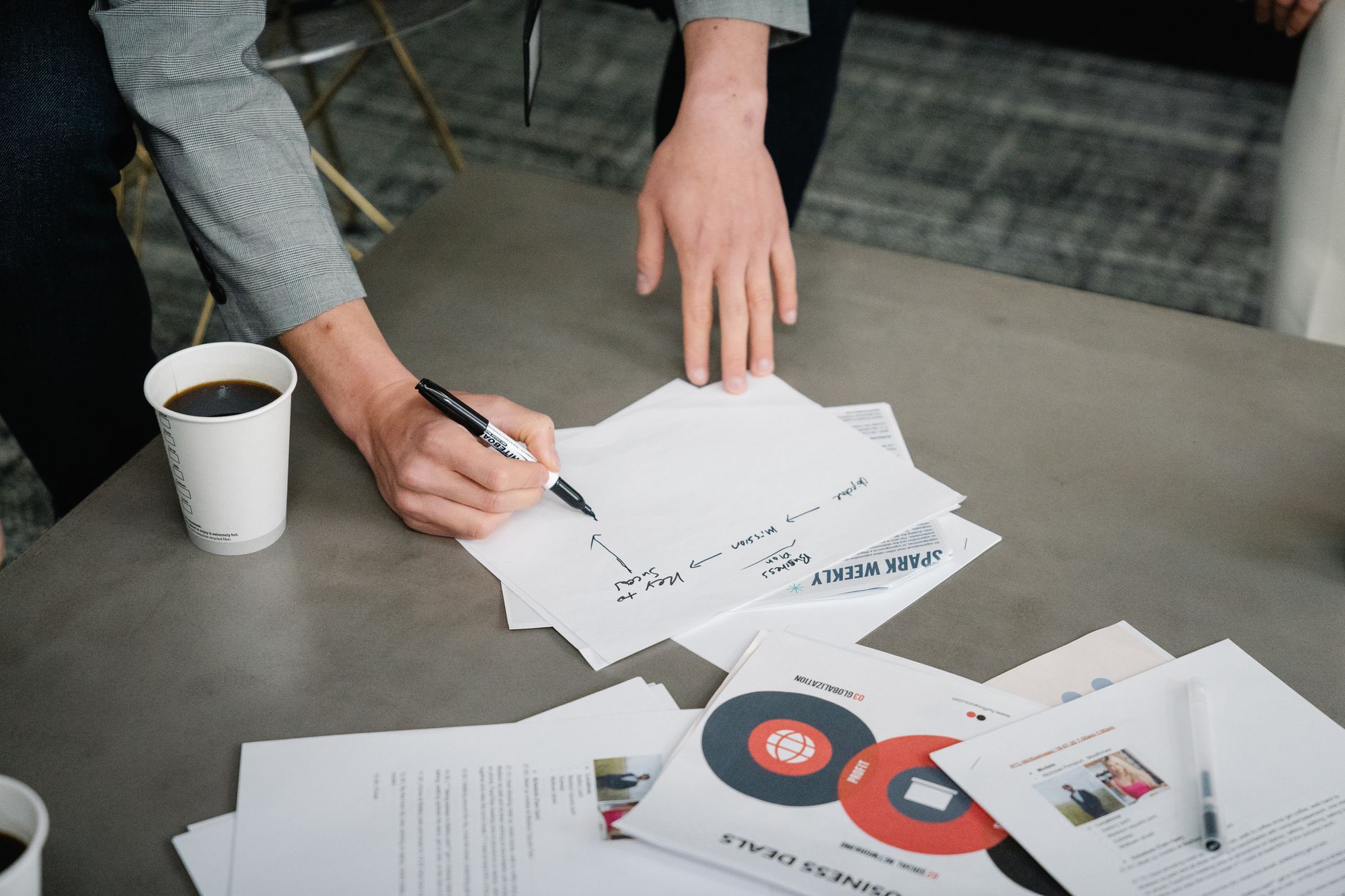
Cover photo: Pexels by Felicity Tai.
ChatGPT Meeting Agenda Prompt Template: 25 Copy-Paste Prompts + 10-Minute Prep Checklist (2026)
If your meetings feel long but decisions still come out fuzzy, the real issue is usually the agenda quality. This guide gives you copy-paste ChatGPT prompts to build clear, action-focused meeting agendas in minutes, plus a short checklist to avoid vague meetings.
TL;DR
- Use a structured prompt format: goal, participants, timing, constraints, and decision needed.
- Generate different agenda versions by meeting type (standup, client call, retro, hiring, roadmap).
- Always force outputs to include owners, timeboxes, and expected decisions.
- Run a 10-minute final QA before sending the agenda.
Trend signal behind this topic
Docker SearXNG (127.0.0.1:8080) was reachable during today’s run. Queries like "chatgpt meeting agenda prompt" and "meeting agenda template with ai" returned repeated prompt/template pages and user-intent results, indicating steady demand for practical meeting agenda templates.

Section photo: Pexels by cottonbro studio.
Why most meeting agendas fail
- No explicit decision target: teams discuss but do not decide.
- No timebox: one topic consumes the entire call.
- No ownership: action items disappear after the meeting.
- Mixed intent: status updates, brainstorming, and decision-making are combined in one flow.
Core prompt formula (reuse this first)
Create a [MEETING TYPE] agenda.
Goal: [PRIMARY OUTCOME]
Participants: [ROLES]
Duration: [MINUTES]
Context: [BACKGROUND]
Constraints: [TIME / BUDGET / SCOPE]
Decisions needed: [LIST]
Output format:
1) Timeboxed agenda table
2) Pre-read checklist
3) Questions to unblock decisions
4) Action items with owner + deadline
25 copy-paste ChatGPT meeting agenda prompts
Weekly team sync (1-5)
- Create a 30-minute weekly team sync agenda focused on blockers, priorities, and one decision for this week.
- Draft a role-based agenda for engineering + marketing + support so each team has one clear update section.
- Turn this raw update list into a strict timeboxed agenda with a final decision slot.
- Generate a "no-status-readout" agenda that prioritizes only issues needing discussion.
- Create a recurring agenda template with rotating owner and weekly KPI check.

Section photo: Pexels by Melinee.
Client meetings (6-10)
- Create a discovery call agenda for a new client project with risk questions and scope boundaries.
- Build a project kickoff agenda that confirms timeline, communication rules, and approval process.
- Generate a monthly client review agenda centered on outcomes, missed targets, and next-month actions.
- Turn this messy email thread into a clean client meeting agenda with decision checkpoints.
- Create a recovery-call agenda for an unhappy client with acknowledgment, root-cause review, and reset plan.
Product and roadmap meetings (11-15)
- Create a product roadmap decision meeting agenda for Q3 priorities with scoring criteria.
- Draft a feature trade-off agenda comparing speed, impact, and technical risk.
- Build a bug triage meeting agenda that separates urgent fixes from planned improvements.
- Create a cross-functional release planning agenda with dependency mapping and fallback plan.
- Generate a sprint planning agenda with capacity assumptions and scope-cut protocol.
People and hiring meetings (16-20)
- Create a hiring debrief agenda that forces evidence-based scoring before final discussion.
- Build a 1:1 agenda template for manager-report check-ins with growth and blocker sections.
- Generate a performance calibration meeting agenda with bias-check prompts.
- Create an onboarding week-1 agenda for a new teammate with role clarity and success metrics.
- Draft a conflict-resolution meeting agenda with ground rules and mutual next steps.

Section photo: Pexels by Kampus Production.
Retrospectives and improvement meetings (21-25)
- Create a sprint retrospective agenda with prompts for wins, misses, and one process experiment.
- Generate a postmortem agenda for incident review with timeline, root cause, and prevention actions.
- Build a weekly operations improvement agenda from this list of recurring issues.
- Create a content performance review agenda for a small blog team with update/keep/kill decisions.
- Draft a quarterly workflow reset meeting agenda focused on stopping low-value recurring work.
10-minute prep checklist before you send the agenda
- Is there exactly one primary outcome?
- Does every section have a timebox?
- Are required decision makers attending?
- Did you include pre-reads with links?
- Are success criteria explicit?
- Did you remove discussion items that can be async?
- Is there a final decision summary slot?
- Did you assign an owner for every action item?
- Did you define due dates?
- Is the agenda short enough to scan in under 2 minutes?
Output format you should request from ChatGPT
For consistent quality, ask for this exact structure:
- Agenda table (topic / owner / timebox / decision)
- Pre-read links
- Risk questions
- Expected decisions
- Action items (owner + deadline)
FAQ
Should I use one master prompt for all meeting types?
Use one core formula, then add meeting-specific constraints. A single generic prompt usually produces vague agendas.
How long should a meeting agenda be?
Short enough to scan quickly: typically 5-8 agenda lines for a 30-45 minute meeting.
Can ChatGPT replace a human facilitator?
No. It helps with structure, but a human still needs to guide decisions and enforce timeboxes.
Final takeaway
Good meetings start before the call. If you standardize your agenda prompt and force owner/timebox/decision fields, meeting quality improves quickly without adding process overhead.


Comments
Post a Comment